


King
Administrator
- Joined
- Jul 12, 2021
- Messages
- 25,005
- Reaction score
- 5
- Points
- 38
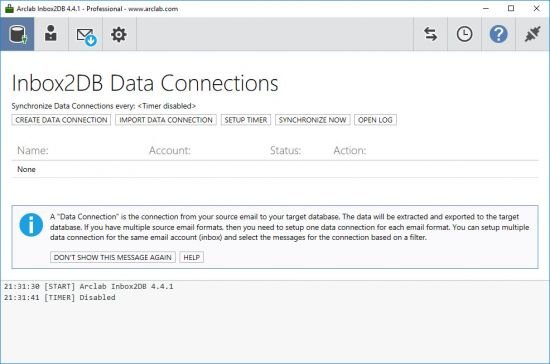
Arclab Inbox2DB 6.1
File size: 55 MB
Inbox2DB the email automation solution and email parser software for Windows PC to automate your inbox, collect data from incoming messages and save the extracted data in a database.
Email to Database Software for Windows PC
Inbox2DB runs on your Windows based PC and collects data from incoming email messages, e.g. order notifications, applications, surveys or messages generated by a web form. The application connects your email account to your spreadsheet or database. It extracts the data from email messages in your inbox and inserts the information into a MS Excel, MS Access, MS SQL Server, MySQL Server or other database via ODBC. Inbox2DB is a software application for Windows and does not require a server installation. All you need is a normal PC and an email account.
Data Integration and Automation
Arclab Inbox2DB is an email automation solution and email parser software for your Windows PC to automate your inbox, collect data from incoming messages and insert the information into a database.
Integrate data from external processes like order notification, surveys, form data, etc. into your own database or excel sheet. Inbox2DB can process hundreds and thousands of messages in a few moments and saves you a lot of time. Just press a button and let the program do the work for you - no more copy/paste. New messages can be polled automatically or on request.
Field Mapping and Relationship
Connect your database (or Excel sheet) to data sent to you via email with Inbox2DB. The email is used as transport medium from an internal or external source to your database. The program extracts the information out of the email message and inserts the data directly into your database.
The field mapping can be setup based on a sample message and thanks to the preview function you can control the field mapping instantly. It...
Read more
Continue reading...