


King
Administrator
- Joined
- Jul 12, 2021
- Messages
- 25,005
- Reaction score
- 5
- Points
- 38
2022-11-20
MP4 | Video: h264, 1920x1080 | Audio: AAC, 44.1 KHz
Language: English | Size: 999.61 MB | Duration: 2h 43m
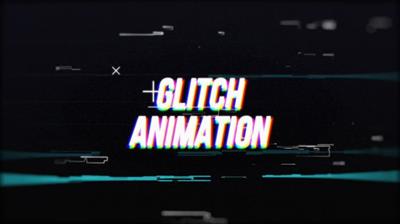
Creating Glitch Animation In After Effects
About This Class
Assignment
Description
In this course, we are going to create an animation in After Effects. Glitch is an animation technique that uses distortion, noise, all sorts of random elements, and so on in the animation.
In this course, we will learn how to create glitch animations. We will learn various techniques and tricks of glitch animation step by step, which you will then be able to apply in your own projects.
We will learn the techniques of glitch animation, how to use masks, effects, displacement maps, and so on in glitch animation. We will learn how to create distortions, noises, glitch elements, RGB Split, and learn how to use different shapes and elements.
The course is structured so that you can easily understand exactly the different techniques that I will use when creating animation. That is, you will not just repeat my actions, but understand how exactly such animations are created.
I hope you enjoy this course and find a lot of useful information!
Project Guide
Assignment
Your class project will be to create a glitch animation of your logo or text. You don't have to repeat what was done in the course exactly, you can use the techniques you learned to create your own unique glitch animation.
Sharing Your Work
Share your final work and progress shots with the class by uploading to the "Your Project" section.
Overview
Lesson 1:01. Introduction
Lesson 2:02. Preparation
Lesson 3:03. Glitch Animation Techniques
Lesson 4:04. Effects 1
Lesson 5:05. Displacement Map
Lesson 6:06. Morph and Disappearance Animation
Lesson 7:07. RGB Split
Lesson 8:08. Elements
Lesson 9:09. Effects 2...
Read more
Continue reading...