


King
Administrator
- Joined
- Jul 12, 2021
- Messages
- 25,005
- Reaction score
- 5
- Points
- 38
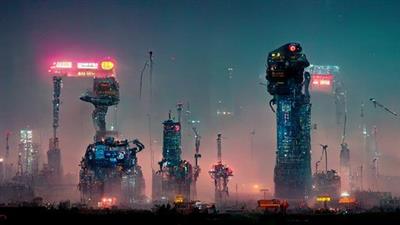
How To Create Ai Art With Midjourney
Last updated 10/2022
MP4 | Video: h264, 1280x720 | Audio: AAC, 44.1 KHz
Language: English | Size: 458.35 MB | Duration: 0h 36m
Create stunning images with AI!
What you'll learn
Identify prompts to use within AI Art
Understand the method of creating AI Art with midjourney
Identify additional tools to take your AI Art to the next level
Utilise Midjourneys resource bank within the Discord Server
Requirements
No Art skills needed. Basic IT skills needed
Description
Midjourney is one of the many AI Art Generation programs on the market. It is one of the most powerful programs running and is comparable to DALL-E. Generative/AI art is a new and fast emerging area and this is a skillset that should be in every artists arsenal.This course aims to simplify the process of utilising text prompts along with additional parameters to create stunning pieces of art. This artwork can be deemed final artwork or it can be used in the idea generation and competing phase of bigger projects.For this course I will be using a paid version of the program, but that is not a necessity! You will not be limited within this course by using the free trial. The free trial only limits you to generate your first 200 images and if you wish to make more you can purchase a licence further down the line.The only pre-requisite to this course is that you need a discord account and access to the internet. I do also use photoshop in the final lesson but this is not imperative to the course, rather, an additional extra.Course outlineLesson 1 - What is Midjourney (A walkthrough and introduction to the program)Lesson 2 - Existing work made with Midjourney (This session will take a look at existing work that has been created with Midjourney)Lesson 3 - Creating pieces of art with Midjourney (In this session we will utilise the prompt command to generate out...
Read more
Continue reading...