


King
Administrator
- Joined
- Jul 12, 2021
- Messages
- 25,005
- Reaction score
- 5
- Points
- 38
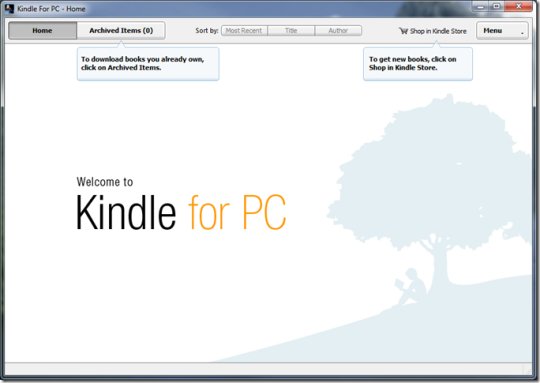
Kindle for PC 1.39
File Size : 58 Mb
Double-clicking on any book opens it for reading. Navigating is easy, as the table of contents can help you jump to the desired chapter and you can use the 'Search' function to easily find a phrase or a location. There are two different methods for turning pages: using the mouse scroll wheel or the keyboard arrow keys.
Users can easily change the font size, set the number of words per line, adjust the brightness and modify the color mode or even place the text on two different columns in order to enhance the reading experience. Full screen mode is also available.
In addition to this, users can take notes, highlight text sections and add bookmarks in order to remember important book sections. Also, you can view passages that are most frequently highlighted by other users.
The program features a handy dictionary that can display complete definitions when a word is selected, but you can also search it online directly from the application.
One of the advantages that this software comes with refers to the synchronization functionality. For instance, if you have a Kindle device or you are using Kindle on your iPhone (with the same registered Amazon account), this feature helps you synchronizes your bookmarks, annotations and the last page read, so that you pick up where you left off when switching between devices.
If you do not own a Kindle device, but you want to read your favorite digital books, Kindle for PC is the tool for you. Ease of use, together with its customization and...
Read more
Continue reading...