


King
Administrator
- Joined
- Jul 12, 2021
- Messages
- 25,005
- Reaction score
- 5
- Points
- 38
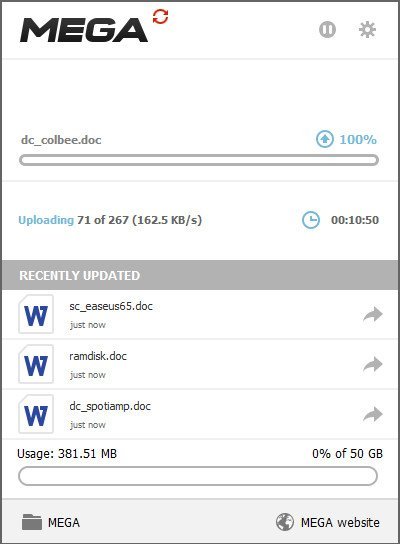
MEGAsync 4.7.2 Multilingual
File Size : 50.2 Mb
MEGAsync is a simple and easy to use application that enables you to create a path between a local source folder and a cloud drive, in order to perform file synchronization. The program requires that you create a MEGA account and set up your cloud drive, then select a local source folder for synchronization. Once you sign up, the rest of the process is simple. All you have to do is copy or update the files you wish to synchronize in the local dedicated folder. The transfer is done instantly.
Does the world really need yet another cloud backup storage solution? The answer is yes when you look more closely at what MEGA, the brainchild of Kim Dotcom, has to offer. First, there's the offer of 50GB free storage space (capped to 10GB bandwidth a month), with paid-for plans offering 500GB/1TB monthly bandwidth from $11 a month or $120 a year.
Second, MEGA promises really tight security: 2048-bit RSA encryption no less. Your password acts as the master encryption key, so if it's strong enough it should be impervious even to brute-force attacks. Be wary, however: there are no password-reset options, so if you forget it, any data not shared with others will be lost.
Having 50GB to hand is very useful, but to make the most of it you'll want a client that can make uploading and syncing data between your machines effortless. This is that client.
Once installed, you're able to either sync the entire contents of your MEGA drive or just specific folders within it to your computer. These are housed inside a MEGA folder that's created inside your personal Documents folder - if this doesn't suit, take a trip to the Sync tab of the program's settings to delete the default choice and add your choice of location instead. A bit fiddly, but at least it can be done.
Any data already in your cloud account will then download to your PC, while any...
Read more
Continue reading...