


King
Administrator
- Joined
- Jul 12, 2021
- Messages
- 25,005
- Reaction score
- 5
- Points
- 38
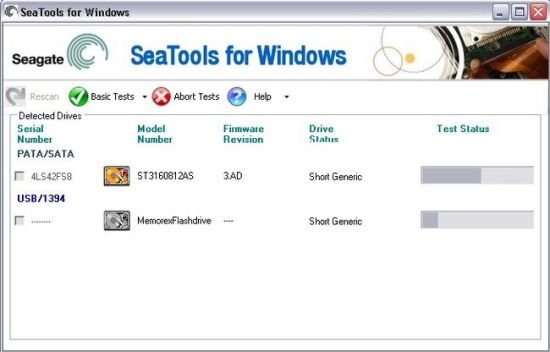
Seagate SeaTools for Windows 5.0.171 Multilingual
File Size : 47.2 Mb
After testing, a large percentage of the drives returned to Seagate for warranty replacement are perfectly good drives with "No Problem Found" (NPF). Returning a drive for warranty service means system downtime and inconvenience for you in packing and returning your drive product. Before you send in a drive, it is in your best interest to determine if a replacement drive is really necessary. This hard disk diagnostic utility will help you make that determination and possibly save you time and money and preserve your data.
Some typical reasons for No Problem Found are
File System Corruption
Driver Corruption
Broken Master Boot Record
Virus and Trojan Attack
Spyware, Adware and Keystroke loggers
Hardware Conflicts
Step 1
Download the SeaTools for Windows file. Once the download starts, you will be prompted to either run the application, save the application or cancel the download. Click the Save button to save the application.
Step 2
When you click on the Save button the Save As dialog will be launched. You may either save the application to your Desktop or to a folder of your choice.
Step 3
After the SeaTools for Windows application has been downloaded and saved to the location you select, click on the SeaTools file to launch the Windows Installation Wizard.
Step 4
Follow the instructions in the Wizard to complete the installation process.
HOMEPAGE...
Read more
Continue reading...