


King
Administrator
- Joined
- Jul 12, 2021
- Messages
- 25,005
- Reaction score
- 5
- Points
- 38
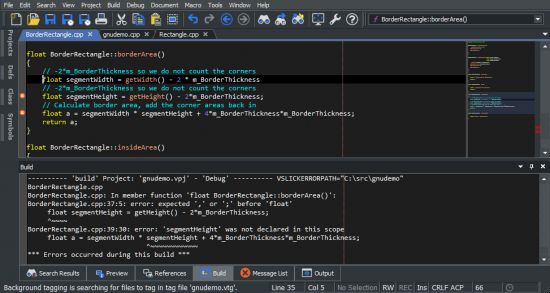
SlickEdit Pro 2022 27.0.0.6
File size: 438 MB
SlickEdit Pro: Build and debug large or complex projects. Stay in sync with version control integration and powerful file differencing tools. All your project's symbols are tagged for quick and easy lookup, analysis, and navigation.
Whichever edition you choose, enjoy fast startup, smart editing features, and increased productivity.
Files and Editing
Multiple Document Group Interface
The MDI layout has been completely rewritten to support multiple groups of document tabs. Document tabs (and groups of tabs) can be floated as separate top-level windows, allowing better use of multiple monitors Files can be dragged and dropped to move between tab groups or to create new groups. The new document tabs offer much better performance than the previous File Tabs tool window, better supporting users who prefer to keep many files open.
Surround With
Use to surround existing lines of code with a new structure such as: if, for, while, and try. The existing code is automatically placed inside braces and indented. Additional structures can also be defined for Surround With.
SmartPaste®
Automatically formats line selections when pasted. The pasted code is formatted to match the indentation of the new location and the brace style adjusted to match your settings.
Dynamic Surround
Surround existing lines of code with block statements or tags...
Read more
Continue reading...