


King
Administrator
- Joined
- Jul 12, 2021
- Messages
- 25,005
- Reaction score
- 5
- Points
- 38
Last updated 11/2022
MP4 | Video: h264, 1280x720 | Audio: AAC, 44.1 KHz
Language: English | Size: 1.25 GB | Duration: 0h 50m
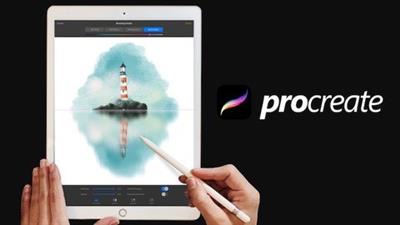
Master the symmetry tool in Procreate and learn how to create stamps and seamless patterns in no time.
What you'll learn
To master the symmetry tool
Customize the QuickMenu
Make seamless patterns
Create stamp brushes
Different ways to add color to our drawings
Many useful tips and tricks
Requirements
An iPad with the Procreate app
Be ready to learn and have fun!
Basic knowledge of Procreate is recommended but not required to take this course
Description
Procreate is one of the most amazing apps for creating digital art on your iPad and iPhone. It totally amazed me the first time I used it, and nowadays it is like Netflix to me, I can't live without it!
 In this course, we will discover the "Symmetry" tool. We will learn how to create guides and use "Drawing Assist" tool to perfectly mirror our strokes.I will give you some tips and tricks to master this feature. I will show you how to create water reflections, patterns, mandalas and more symmetrical illustrations using this fantastic tool.I will try to explain everything step by step but you will make the most of this class if you have basic knowledge of Procreate.We will cover things like:Symmetry tool optionsCustomizing QuickMenuMaking seamless patternsCreating stampsDifferent ways to add color to our drawingsAnd much more!Bonus lesson: Drawing a beautiful flower using the symmetry toolI will show you how easy is to create a beautiful flower in Procreate in less than 30 minutes.We will use:- Symmetry tool.- Clipping masks as a way to add texture to specific areas.- Blending modes to add lights, shadows, and volume to our drawing.Let's have some fun!
Overview
Section 1: Introduction
Lecture 1 Introduction
Section 2: Drawing Guide & Shortcuts
Lecture 2...
Read more
Continue reading...