


King
Administrator
- Joined
- Jul 12, 2021
- Messages
- 25,005
- Reaction score
- 5
- Points
- 38
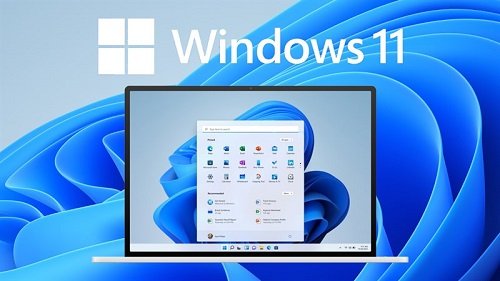
Windows 11 version 22H2 build 22621.819 Business/Consumer Editions x64 (updated November 2022) - MSDN
x64 | Language: English | File Size: 10.4 GB
Windows 11. The main part of this announcement was to be a presentation of a significant user interface change, codenamed Sun Valley. As we know, a significant portion of the UX changes will be borrowed from the Windows 10X shell, and Windows 10X is not coming to market. Now, as expected, the Windows 11 information leak begins.
Differences between consumer and business editions
GVLK keys for KMS are integrated into business editions images.
In consumer editions image editions, standard installation keys.
Composition of editions in consumer editions images
Windows 11 Home
Windows 11 Home N
Windows 11 Home Single Language
Windows 11 Education
Windows 11 Education N
Windows 11 Pro
Windows 11 Pro N
Windows 11 Pro Education
Windows 11 Pro Education N
Windows 11 Pro for Workstations
Windows 11 Pro N for Workstations
The composition of the editions in the images of business editions
Windows 11 Education
Windows 11 Education N
Windows 11 Enterprise
Windows 11 Enterprise N
Windows 11 Pro
Windows 11 Pro N
Windows 11 Pro Education
Windows 11 Pro Education N
Windows 11 Pro for Workstation
Windows 11 Pro N for Workstation
A few words about TPM
In a very short and simple way, TPM is a separate crypto processor that provides more advanced encryption, and therefore a higher level of security. This is just so you understand what you're dealing with.
If your computer has hardware older than 2015, it is almost guaranteed to have a TPM 2.0 module. However, most often, it is disabled by default. To enable it, go into the BIOS and look for an option there related to Intel PTT or AMD fTPM for Intel and AMD processors respectively. If you haven't found it, try looking for just something related to TPM; these options may be...
Read more
Continue reading...