

Description
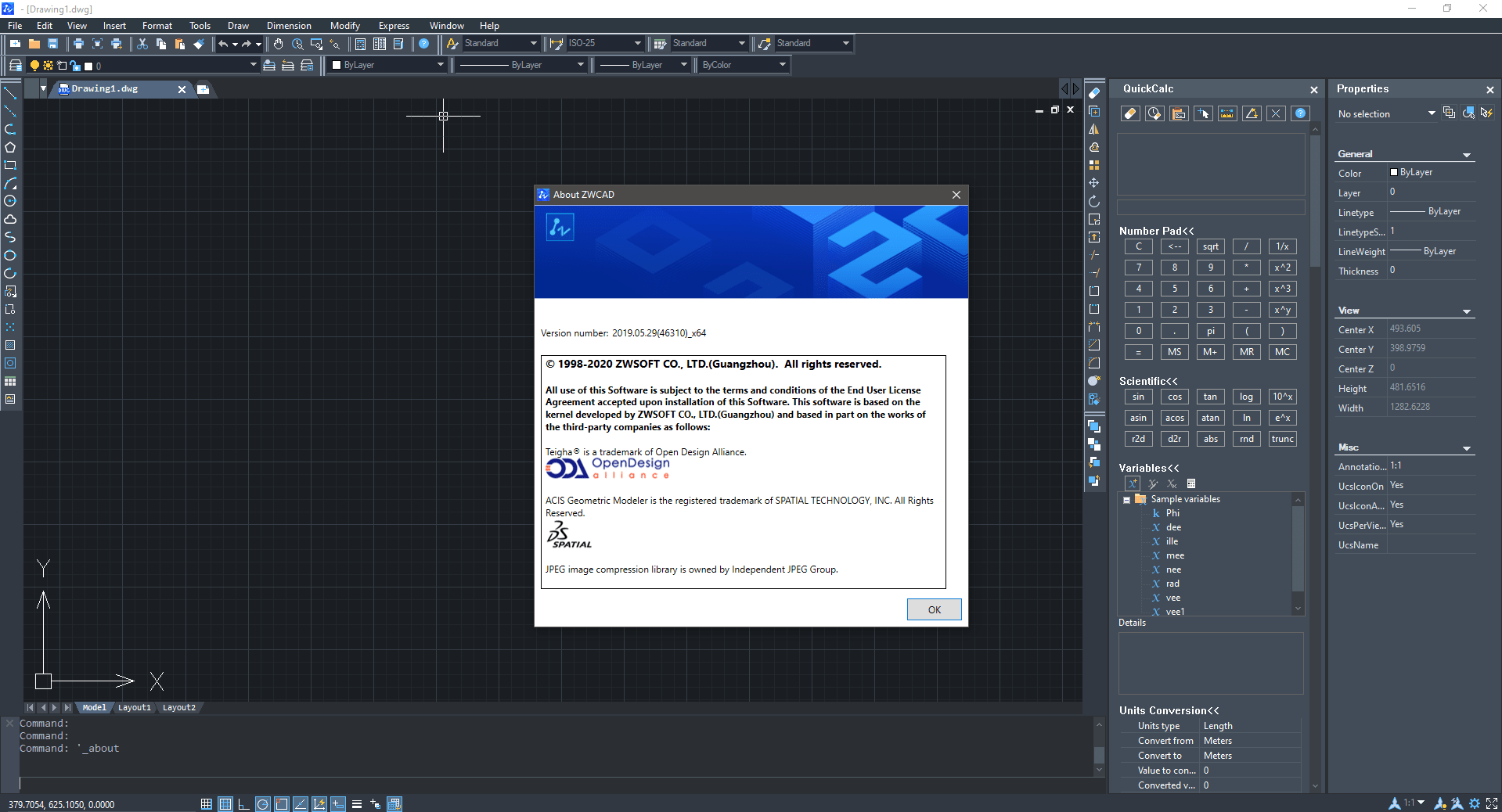
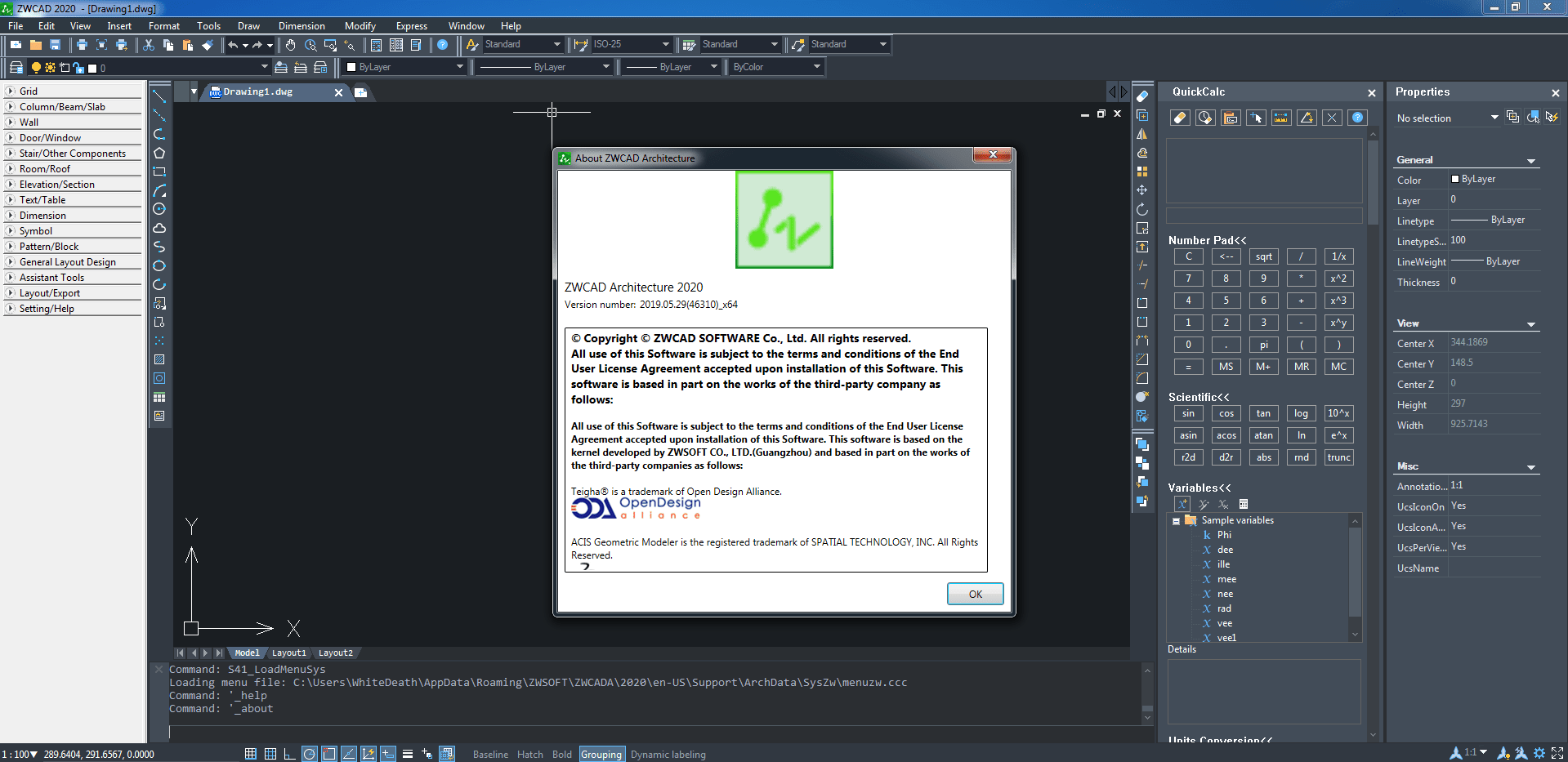
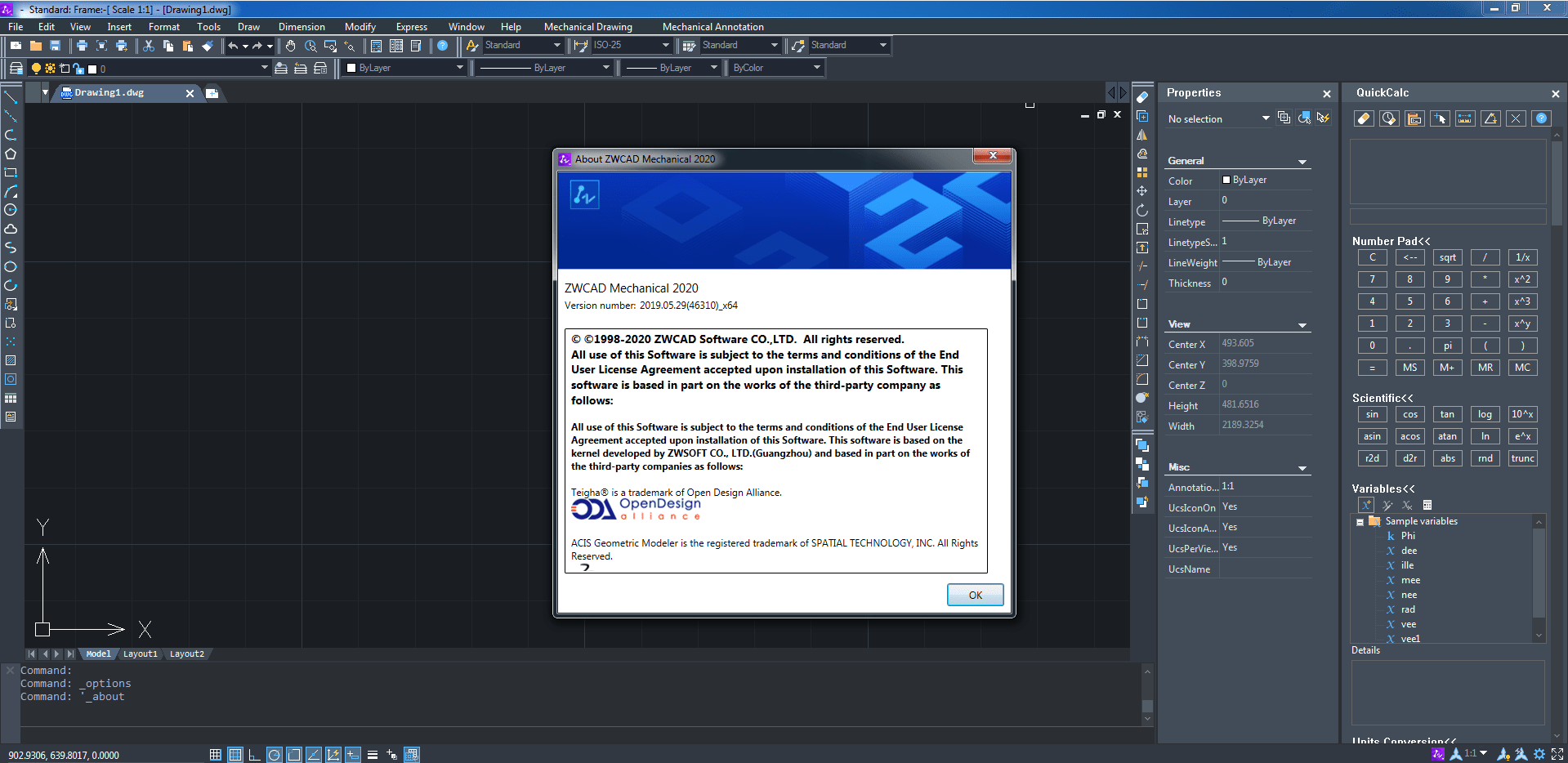
ZWCAD is a CAD tool for fast and professional design with .dwg compatibility for modeling and design. With basic design features such as creating and editing 2D geometry, 3D solid modeling, drawing and file sharing, the program also features innovative, shared and customizable features to increase productivity such as design center, tool palette And provides customization through application interfaces. Unparalleled compatibility and user-friendly interface allow you to get started with this software without any training.Features and specifications of ZWCAD software:
- Impressive design and detail tools to visualize your ideas
- Flexible management systems to maximize design resources
- Integrate designs with other designs by publishing flexible designs
- Library of standard parts and mechanical tools for design and drawing
- Supports ISO, ANSI, DIN, JIS, and GB design environments
- Cost reduction, workflow design optimization and improved productivity
- File comparison and rendering enable you to visualize more efficiently
- Provide similar commands to previous programs and easy-to-use features to help you save time
- Faster performance in processing CAD drawings
required system
Minimum System RequirementsOperating System:
Microsoft® Windows XP SP2 and above
Microsoft® Windows 2003 Server
Microsoft® Windows 2008 Server
Microsoft® Windows Vista
Microsoft® Windows 7
Microsoft® Windows 8
Microsoft® Windows 10
Pictures
Installation guide
Listed in the Readme file.download link
ZWCAD ZW3D 2022X SP v26.31 x64Download Part 1 - 1 GB
Download Part 2 - 643 MB
Download ZWCAD 2021 Official x64
Download ZWCAD 2021 Official Update 1 x64
Download ZWCAD Mechanical 2021 x86
Download ZWCAD_Mechanical 2021 x64
Download ZWCAD ZW3D 2021 v25.05 x64
Download ZWCAD (ZW3D 2020 v24.00 x64
Patch Password: tpcrew-group
Download ZWCAD 2020 SP2 x64
Download ZWCAD_Architecture 2020 x64
Download ZWCAD_Mechanical 2020 SP2 x64