


King
Administrator
- Joined
- Jul 12, 2021
- Messages
- 25,005
- Reaction score
- 5
- Points
- 38
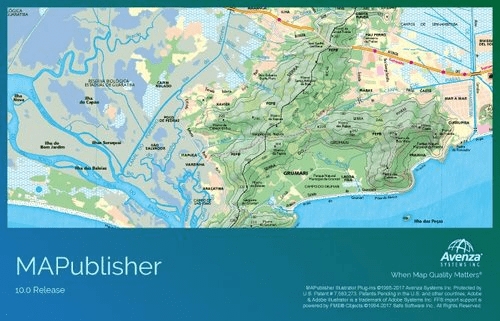
Avenza MAPublisher for Adobe Illustrator 11.1
File Size: 391 MB
MAPublisher® cartography software seamlessly integrates more than fifty GIS mapping tools into Adobe Illustrator to help you create beautiful maps.Import industry-standard GIS data formats and make crisp, clean maps with all attributes and georeferencing intact using the Adobe Illustrator design environment.
Extensive Geospatial Format Support
Import leading GIS industry formats from Esri, Google, MapInfo, WFS/WMS services, and other GIS sources with all attributes and georeferencing intact and fully editable.
One World, Many Map Projections
Using the appropriate map projection is crucial for any map design. Fortunately, MAPublisher supports thousands of coordinate systems and projections to help you display data accurately.
Treat Spatial Data Like Works of Art
Working with geospatial data doesn’t have to be rigid. MAPublisher offers plenty of flexibility when editing map features in Adobe Illustrator. Create new features on-the-fly, maintain georeferencing when joining data, cropping, trimming, buffering, and simplifying.
Design Smarter, Not Harder
Save time by styling map data based on its attributes. Use MAP Themes to create thematic maps, designate point symbols, and apply graphic styles based on rules that you create.
Precise Label Placement
Create labels based on data attributes. Use the Label Features tool to place labels to map features automatically and fine-tune labeling with the MAP Tagger and Contour Tagger tools. Get MAPublisher LabelPro™ which pairs advanced rules to a sophisticated labeling engine for a more efficient and intelligent label placement.
Export What You Want, Where You Want
Create visually stunning maps that are print-ready. Need to go digital? Export geospatial PDF that contain coordinate system and attribute information. Need a web map? Export your maps using MAP Web Author to...
Read more
Continue reading...