


King
Administrator
- Joined
- Jul 12, 2021
- Messages
- 25,005
- Reaction score
- 5
- Points
- 38
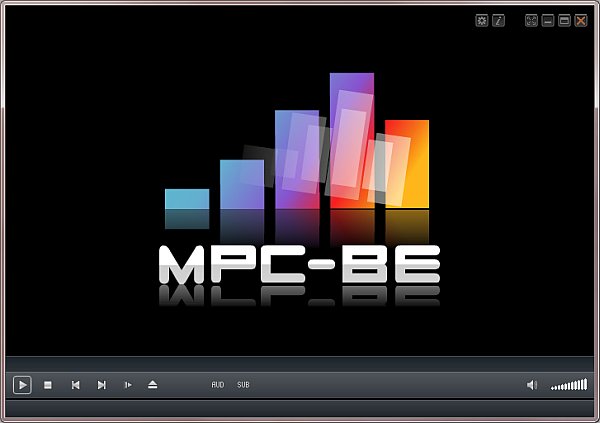
Media Player Classic - Black Edition (MPC-BE) 1.6.5 Multilingual
File Size : 27.7 Mb
Media Player Classic Black Edition is a free and open source audio and video player for Windows. Media Player Classic - BE is based on the original "Media Player Classic" project and "Media Player Classic Home Cinema" project, contains additional features and bug fixes. The BE mod (Black Edition Mod) is a skinned version of Media Player Classic Home Cinema, much better looking than the plain old MPC. MPC-HC BE Mod is usually newer because they use the latest SVN the most up-to-date version of the code.
You can use this efficient open source media player to watch your favorite movies or listen to music, as it supports numerous formats. MPC-BE is a user-friendly media player that supports numerous video and audio formats, allowing you to render almost any file you want without any problems. Following an uneventful installation, the application enables you to open local files in its main window. It also provides you with the possibility of streaming online videos or music on your computer, on condition that you have an Internet connection, simply by entering the URL address of the source file. MPC-BE can even play files from DVDs, Blu-ray discs, or other devices.
The program features a series of basic functions, namely 'Play', 'Pause', 'Stop', 'Jump To', 'Full Screen', 'Zoom', 'Filters', 'Shaders', increase, decrease or mute 'Volume'. You can navigate between the various media files in a folder, rendering the ones you like and skipping the ones that do not appeal to you. Items can be added to 'Favorites' so you can access them more easily.
Moreover, MPC-BE offers support for opening subtitles, while also allowing you to search for them online, using opensubtitles.org as a default website. After playing a file, the utility can 'Play Next in the Folder', 'Exit', 'Shutdown' or 'Restart'...
Read more
Continue reading...