


King
Administrator
- Joined
- Jul 12, 2021
- Messages
- 25,005
- Reaction score
- 5
- Points
- 38
File Size : 81.6 Mb
A versatile speed test tool through which one can evaluate and stress-test their network performance based on their parameters, and much more.
Basic testing
Booting up the tool and operating it isn't anything complicated. You'll first have to click on the Start Server button, which will create a server you'll use for your speed testing. Before doing that, users can specify a port to test on: if you're unsure about this, it's best to leave the option untouched.
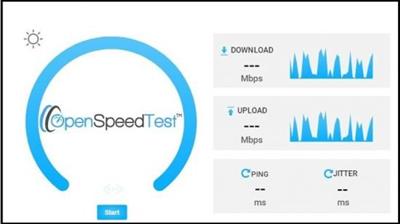
You'll then have to open your browser of choice, then navigate to the link specified in the interface. This will take you to the testing interface, where you'll be able to commence the speed test. The tool behaves pretty much like any web-based speed testing solution out there.
Additional functions
Perhaps what sets this solution apart from the others lies in the additional configuration possibilities. Users have the option to add several commands to the server link to test their connection differently: you can run a stress test for however long you desire, start tests automatically, as well as test across multiple servers at once, modify the number of ping samples for a more accurate result, and many other such options.
Some of the aforementioned options require delving into the Index.html file of the tool, but for a simpler function, adding ?stress=low at the end of the server's address will run a stress test for your connection. Those with the know-how can also self-host the speed testing process: you'll need a web server supporting HTTP/1.1 for that. Refer to the developer's guide to learn more.
Robust testing
OpenSpeedTest is a solution that is both simple to utilize by a casual audience, whilst also offering numerous tools for the more experienced users, making it a quite robust, versatile option for speed testing.
Whats New
Updates: official site does not provide any...
Read more
Continue reading...